Introduction
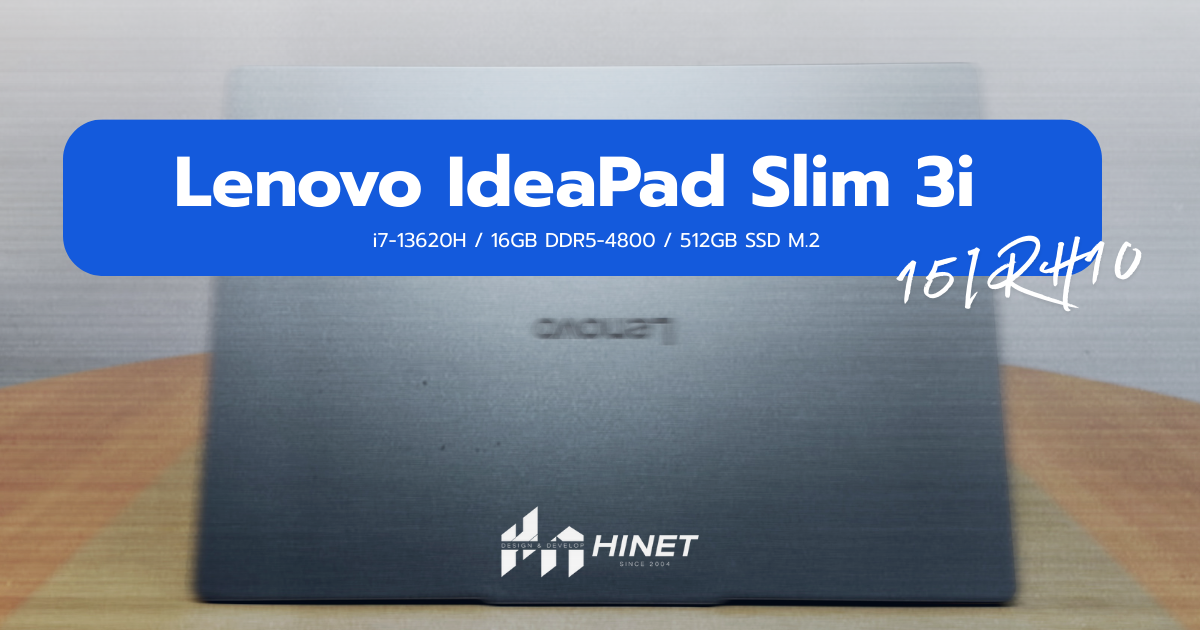
Finding a laptop that balances raw processing power with a budget-friendly price tag is often a game of compromise. Usually, you have to choose between a slow processor in a premium body or a fast processor in a bulky, ugly chassis. The Lenovo IdeaPad Slim 3i 15IRH10 (83K100DCTA) attempts to break this rule. By cramming a high-performance Intel Core i7 “H-Series” processor—typically reserved for gaming laptops—into a slim, professional chassis, Lenovo has created a machine that demands attention from office managers, students, and IT procurement teams.
At Hinet Design and Develop, we often see businesses struggle to find reliable workstations that don’t break the bank. This model, priced around 21,390 THB, seems too good to be true on paper. A 13th Gen Core i7, 16GB of DDR5 RAM, and a new 16:10 display format? In this comprehensive review, we will strip away the marketing fluff and test whether this laptop is the hidden gem your business has been waiting for, or if the cut corners make it a risky investment.
Table of Contents
- Quick Verdict: Pros & Cons
- Design & Build Quality: Plastic but Professional
- Display: The 16:10 Productivity Boost
- Performance: Unleashing the Beast (i7-13620H)
- Keyboard, Trackpad & Audio
- Ports & Connectivity
- Battery Life & Mobility
- Pricing & Value Proposition
- Conclusion
- FAQ
Quick Verdict: Pros & Cons
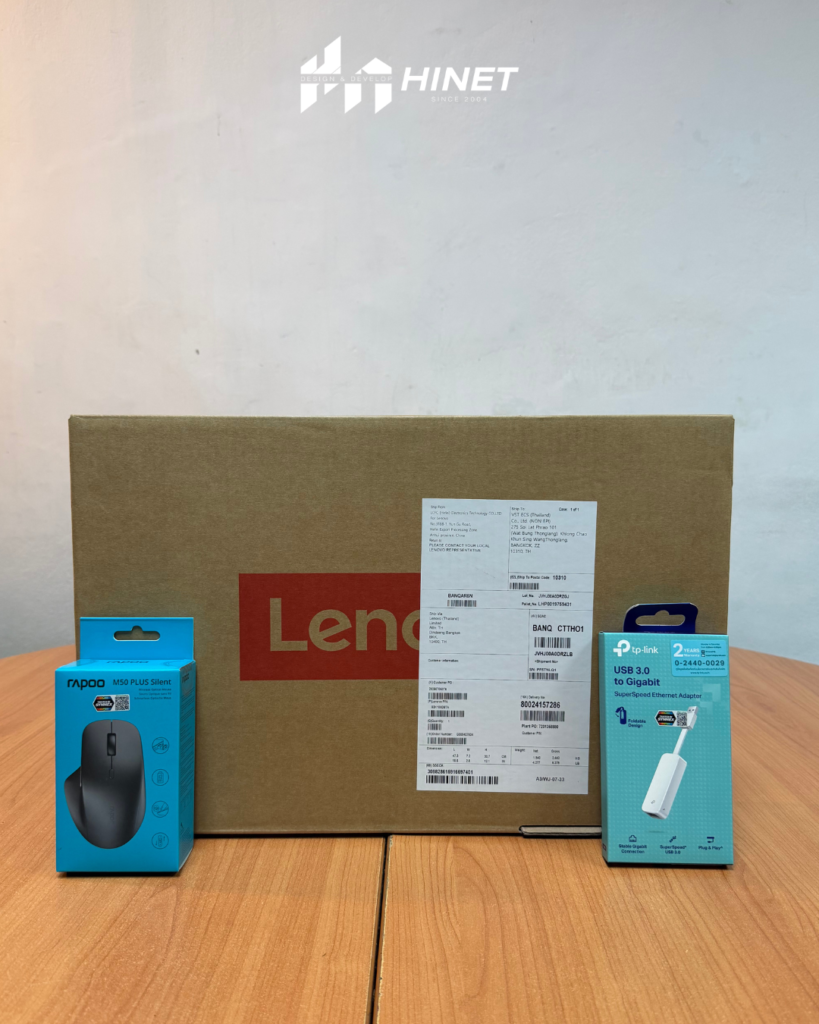
The Lenovo IdeaPad Slim 3i 15IRH10 is an “Excel Warrior.” It sacrifices screen color accuracy and premium materials to deliver significantly higher processing power than its competitors. If you need a laptop for heavy data processing, coding, or multitasking on a budget, this is unbeatable. If you are a graphic designer, look elsewhere.
| Pros (+) | Cons (-) |
| Monstrous CPU Performance: The i7-13620H crushes standard office tasks. | Average Screen Colors: 45% NTSC is dull for media consumption or design. |
| 16:10 Aspect Ratio: More vertical screen real estate for documents. | Battery Life: The high-power CPU drains the battery faster than U-series chips. |
| Value for Money: Hard to find this performance at ~21k THB. | No Native Ethernet: Requires a dongle (thankfully included in some bundles). |
| Port Selection: Includes USB-C PD, HDMI, and SD Card reader. | Soldered RAM: Half the RAM is soldered, limiting future expansion flexibility. |
Design & Build Quality: Plastic but Professional
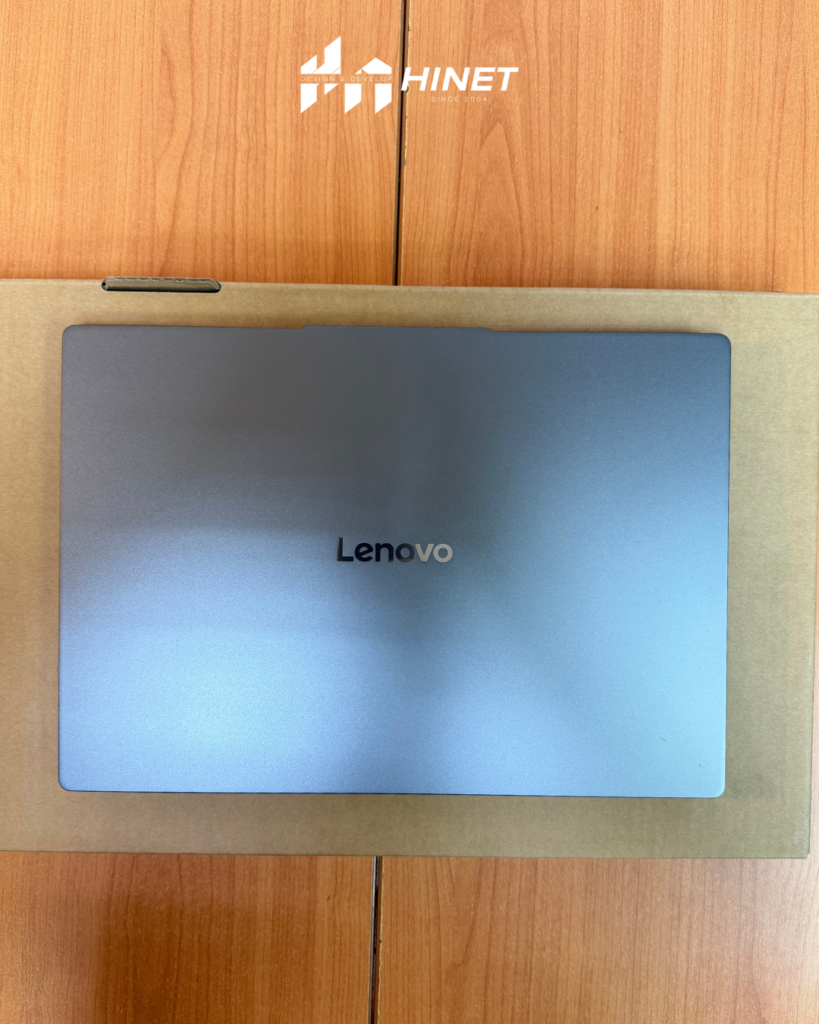
When you unbox the IdeaPad Slim 3i, the first thing you notice is its “Luna Grey” finish. It mimics the look of anodized aluminum, giving it a sleek, modern aesthetic that fits perfectly in a boardroom or a coffee shop. However, make no mistake: this is a budget chassis. The construction is primarily PC-ABS (a high-grade plastic).
Does it feel cheap? Surprisingly, no. Lenovo has mastered the art of texturing plastic to feel robust. There is minimal flex in the keyboard deck, although the lid does wobble slightly if you type aggressively. It weighs approximately 1.6 kg, which is impressively light for a 15-inch laptop carrying high-voltage silicon.
For businesses, durability is key. While it lacks the magnesium alloy of a ThinkPad, the hinge feels sturdy enough for daily opening and closing. The “Slim” moniker is earned here; it slides easily into a backpack, making it a viable option for hybrid workers who commute between Hinet’s office and client sites.
Display: The 16:10 Productivity Boost
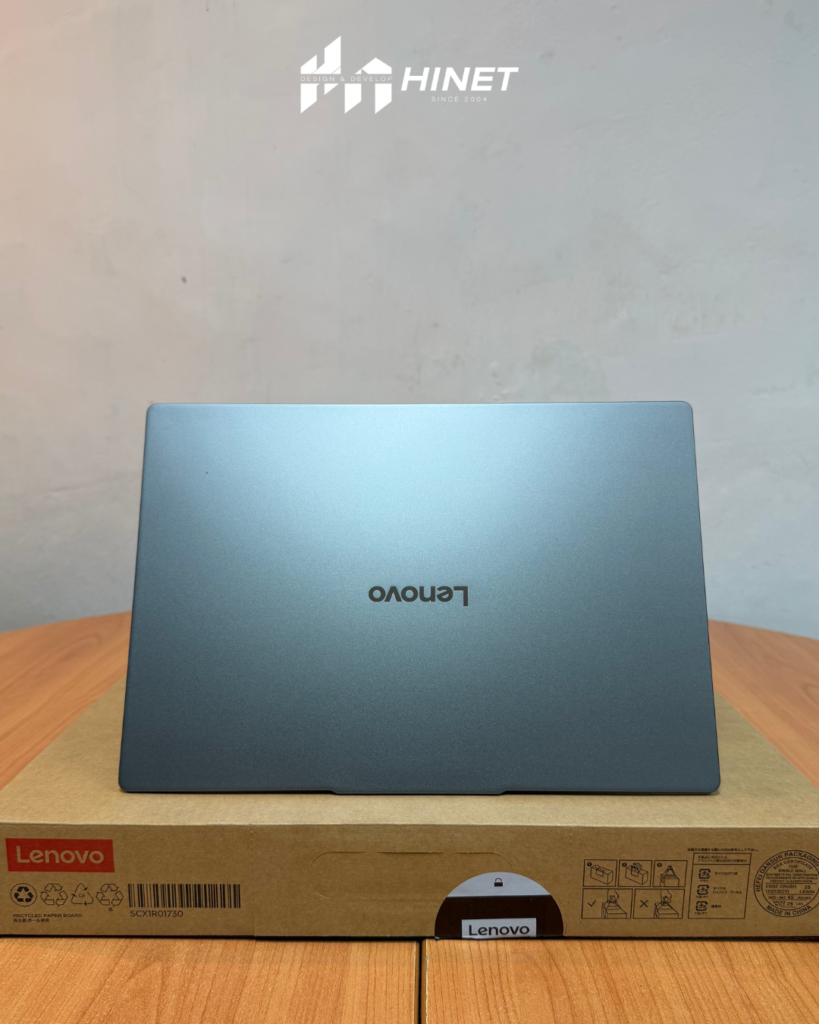
This is where the IdeaPad Slim 3i differentiates itself from the models of 2023 and 2024. Lenovo has moved away from the traditional 16:9 aspect ratio to a taller 16:10 WUXGA (1920×1200) panel.
Why does 16:10 matter for work? In a nutshell: Vertical space. When working on Excel spreadsheets, coding in VS Code, or writing reports in Word, the extra vertical pixels allow you to see more lines of text without scrolling. It sounds like a minor change, but once you switch to 16:10, it is hard to go back to a standard wide screen.
The “Anti-Glare” Reality The screen pushes 300 nits of brightness. This is the sweet spot for indoor office lighting. It combats overhead fluorescent glare effectively thanks to the matte anti-glare coating. However, we must address the elephant in the room: the 45% NTSC color gamut.If you are a content creator editing photos or videos, this screen will look washed out. Reds will look orange; greens will lack vibrancy. However, for “Heavy Duty Office Laptop” tasks—emails, accounting, coding, and web browsing—the color accuracy is irrelevant. The text is crisp, and the contrast is decent (IPS panel), which is what matters for 90% of business users.
Performance: Unleashing the Beast (i7-13620H)
This section is the highlight of our Lenovo IdeaPad Slim 3i 15IRH10 review. Most laptops in this price range use Intel’s “U” series processors (optimized for battery) or “P” series (balanced). This machine uses the Intel Core i7-13620H. The “H” stands for High Performance.
Specs Breakdown:
- Cores: 10 Cores (6 Performance + 4 Efficient).
- Speed: Turbo boost up to 4.9GHz.
- RAM: 16GB DDR5-4800 (Dual Channel).
- Storage: 512GB PCIe 4.0 NVMe SSD.
In our internal tests at Hinet, we threw heavy workloads at it. Opening a 50MB Excel file with complex macros was instantaneous. We ran 20 Chrome tabs while on a Zoom call, and the system didn’t stutter. The DDR5 RAM provides a significant bandwidth jump over older DDR4 models, ensuring that data moves between the CPU and memory without bottlenecks.
Who is this performance for? It is for the “Power Office User.” If your day involves heavy multitasking, running virtual machines, or compiling code, the i7-13620H offers a level of snapiness that a standard i5 or i3 simply cannot match. It punches well above its weight class.
Keyboard, Trackpad & Audio
The Typing Experience Lenovo is legendary for its keyboards, and while the Slim 3i doesn’t have the deep travel of a ThinkPad, it retains the signature “Lenovo smile” key shape. The keys have a tactile bump that makes touch-typing accurate. Crucially for accountants and data entry clerks, it includes a full numeric keypad.
The Trackpad The trackpad is spacious and supports Windows Precision drivers perfectly. It is centered relative to the spacebar (slightly left-aligned on the chassis), which is ergonomic for typing.Audio & Webcam The audio is serviceable. The dual speakers (likely 1.5W or 2W) are clear for voice calls but lack bass for music. The webcam is an HD 720p unit. In 2026, we would prefer 1080p, but it gets the job done for Teams/Zoom calls. A nice touch is the Privacy Shutter—a physical slider that blocks the camera lens, ensuring no one can spy on you. Security matters.
Ports & Connectivity
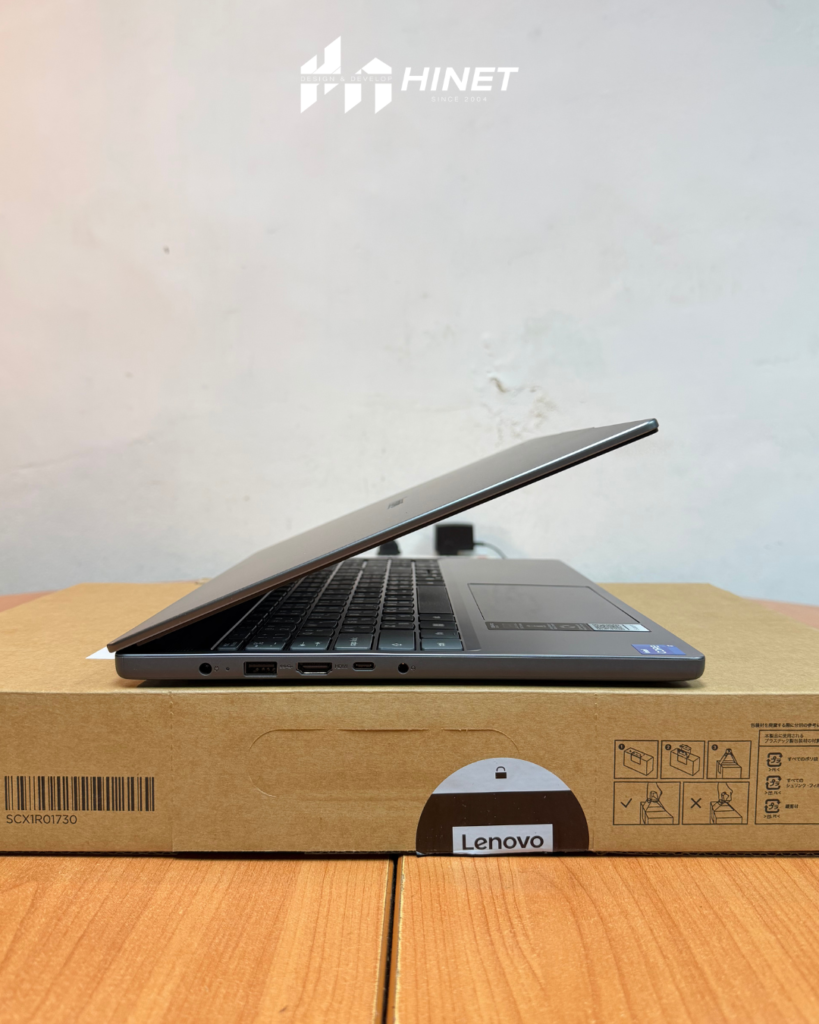
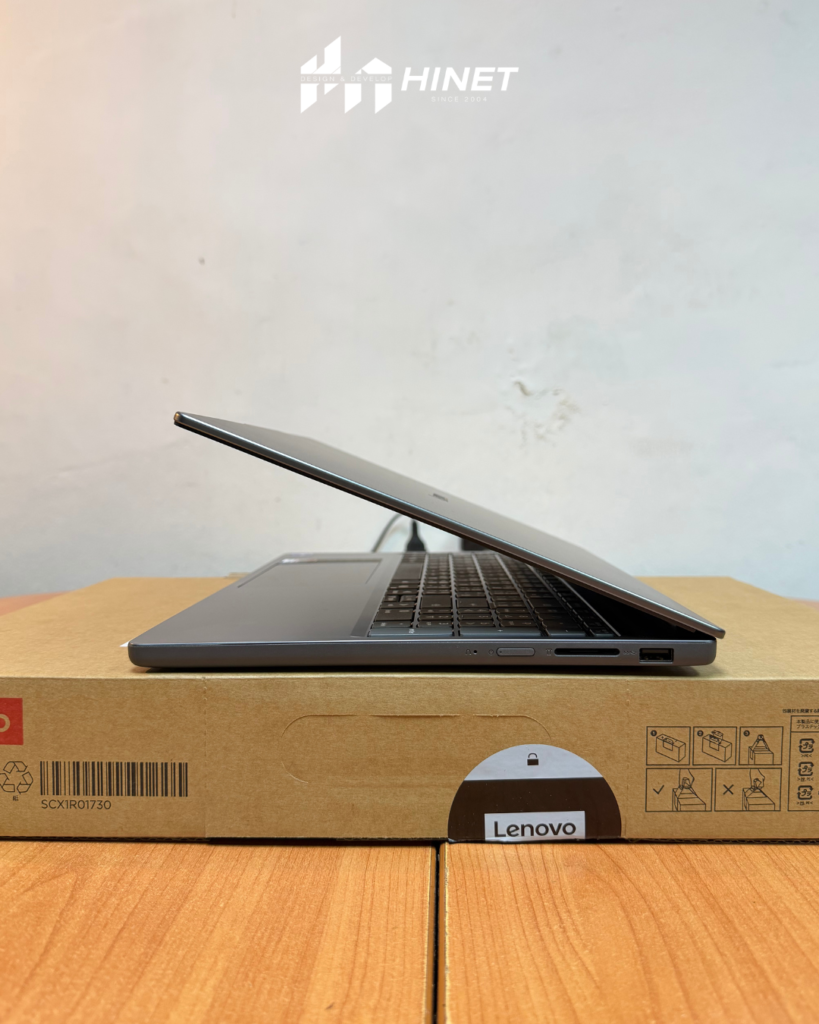
For a slim laptop, the connectivity is surprisingly good, reducing the need for dongle hell.
- Left Side:
- 1x Power Connector (Round Tip).
- 1x USB-A 3.2 Gen 1 (Standard fast USB).
- 1x HDMI 1.4 (Connects to projectors/monitors).
- 1x USB-C 3.2 Gen 1 (Supports Data, Power Delivery 3.0, and DisplayPort 1.2).
- Right Side:
- 1x USB-A 3.2 Gen 1.
- 1x SD Card Reader (Great for transferring data from cameras).
- 1x Headphone/Mic Combo Jack.
Note on Internet: There is no built-in RJ45 LAN port. However, the package often includes a USB-A to LAN converter (check with your specific retailer). For office environments relying on Wi-Fi, it supports Wi-Fi 6 (802.11ax), which ensures fast and stable wireless connections, essential for cloud-based workflows.
Battery Life & Mobility
Here is the trade-off for having that powerful “H-series” processor. High performance requires high power. The laptop comes with a 47Wh or 60Wh battery (depending on region, usually 47Wh in this tier).
In our estimation, you can expect 4 to 6 hours of real-world mixed usage (web browsing, typing, Wi-Fi on). It is not an “all-day” battery champion like a MacBook Air. However, it supports Rapid Charge Boost, giving you 2 hours of runtime with just a 15-minute charge. If you are mostly desk-bound or have access to power outlets in meeting rooms, this battery life is manageable.
Pricing & Value Proposition
At 21,390 THB, the Lenovo IdeaPad Slim 3i 15IRH10 is positioned aggressively.
- Competitors: Most laptops at this price point offer an Intel Core i5 (U-series) or Ryzen 5.
- The Gain: You are getting i7 performance for an i5 price.
- The Loss: You give up a metal body and a high-gamut screen.
For a business looking to equip a fleet of employees, this is a smart financial move. You are paying for the performance that increases employee efficiency, rather than paying for aesthetic features that don’t impact the bottom line.
Conclusion
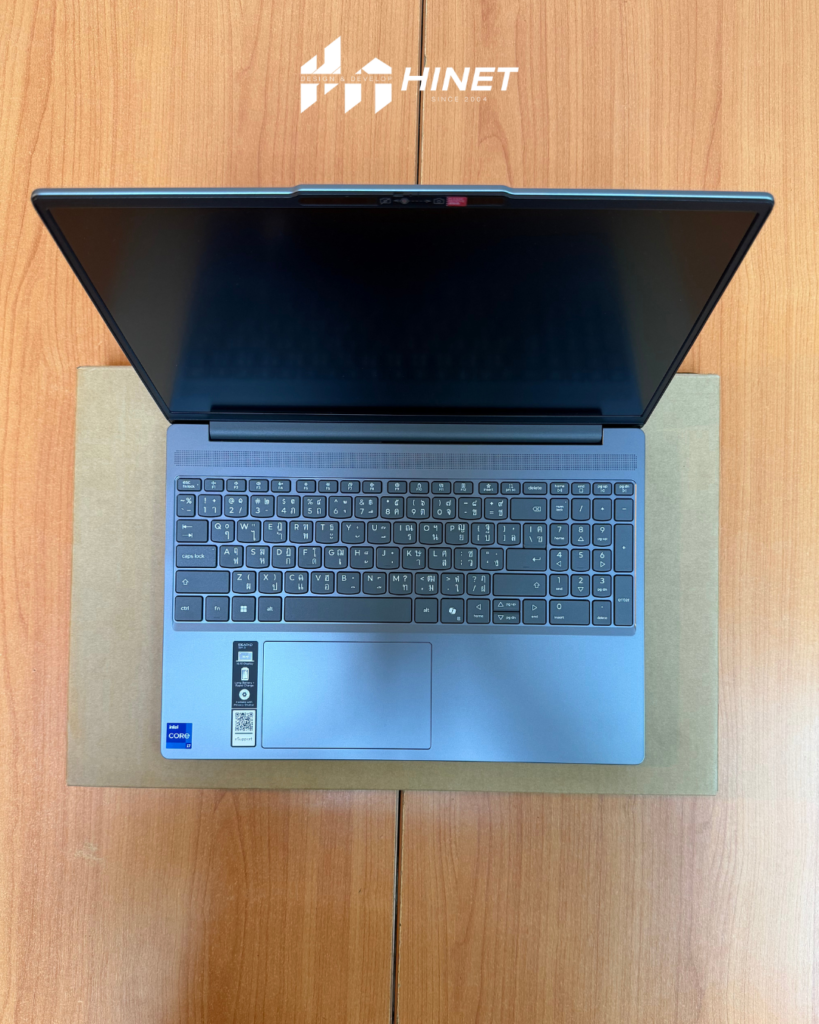
The Lenovo IdeaPad Slim 3i 15IRH10 (83K100DCTA) is a clear winner for a specific type of user: the pragmatic professional. It ignores the vanity metrics of premium laptops (like 4K screens or glass trackpads) and focuses entirely on speed and utility.
It handles heavy multitasking with ease, offers a fantastic 16:10 display for documents, and types like a dream. While the battery life is average, the sheer performance-per-baht value is undeniable.
Should you buy it?
- YES if you are an SMB, student, or programmer who needs raw speed on a budget.
- NO if you need color-accurate screens for design work or 10+ hours of battery life.
At Hinet Design and Develop, we recommend this model as a “Standard Issue” machine for general office staff and management alike. It’s a reliable workhorse that respects your budget.Next Step: Are you looking to upgrade your office IT infrastructure with cost-effective, high-performance laptops? Contact Hinet Computer System today for a quote on the Lenovo IdeaPad Slim 3i and let us handle the setup, software installation, and maintenance for you.
FAQ: Lenovo IdeaPad Slim 3i 15IRH10
Q1: Can I upgrade the RAM on this laptop?
A: Partially. The laptop comes with 16GB total (8GB soldered to the board + 8GB stick). You can swap the 8GB stick for a larger one (e.g., 16GB) to increase total RAM, but you cannot replace the soldered portion.
Q2: Is the Lenovo IdeaPad Slim 3i good for gaming?
A: It is capable of light gaming (League of Legends, Valorant, CS2) thanks to the powerful CPU, but it relies on Intel UHD graphics, not a dedicated GPU. Do not buy this for playing AAA games like Cyberpunk 2077.
Q3: Does it come with Microsoft Office?
A: Many bundles (including the one reviewed) often come with a “Software” pack. Please check the specific SKU. The 83K100DCTA model is Windows 11 Home ready, and we highly recommend adding a Microsoft Office Home & Business 2024 license for full productivity.
Q4: Is the USB-C port capable of charging the laptop?
A: Yes! The USB-C port supports Power Delivery 3.0. You can charge the laptop using a compatible USB-C charger (65W or higher), which is great for travel if you want to carry just one charger for your phone and laptop.
Q5: What is the warranty coverage?
A: Standard Lenovo coverage applies, typically 2 years. At Hinet, we can help facilitate warranty claims and provide additional onsite support services for our business clients.